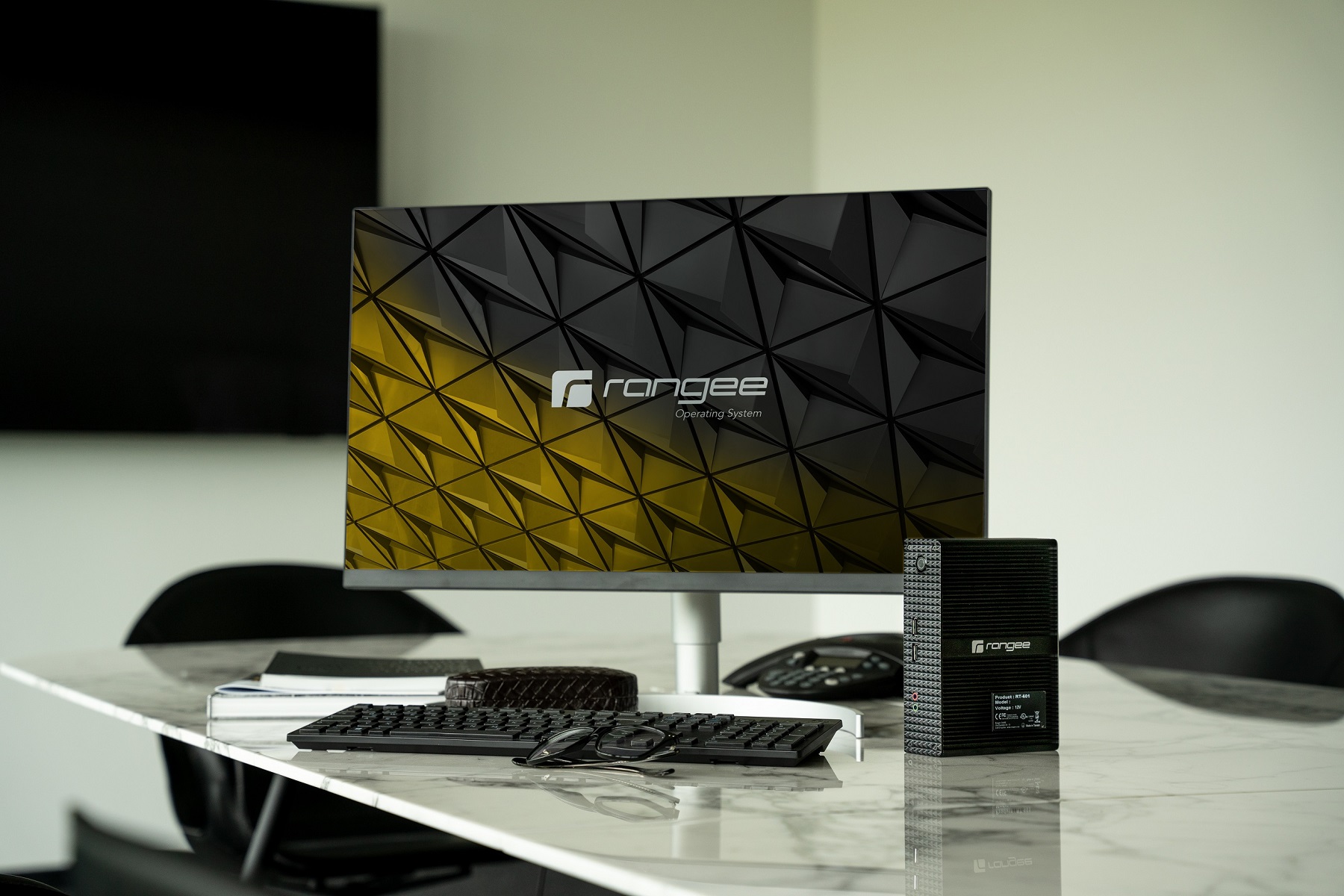
Thin client software
Solutions
All-inclusive thin client OS
Remote management


Premium add-ons
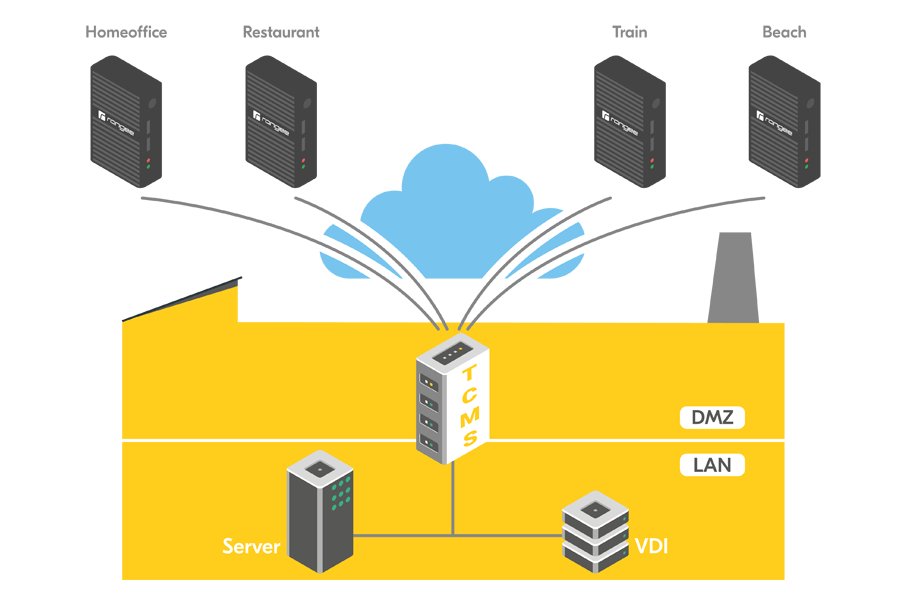
TCMS - VPN
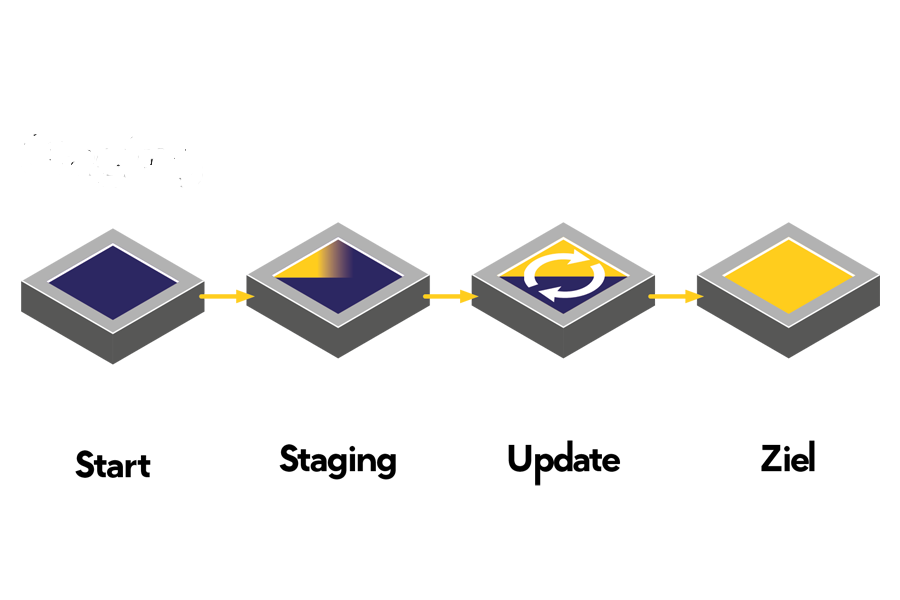
Update staging
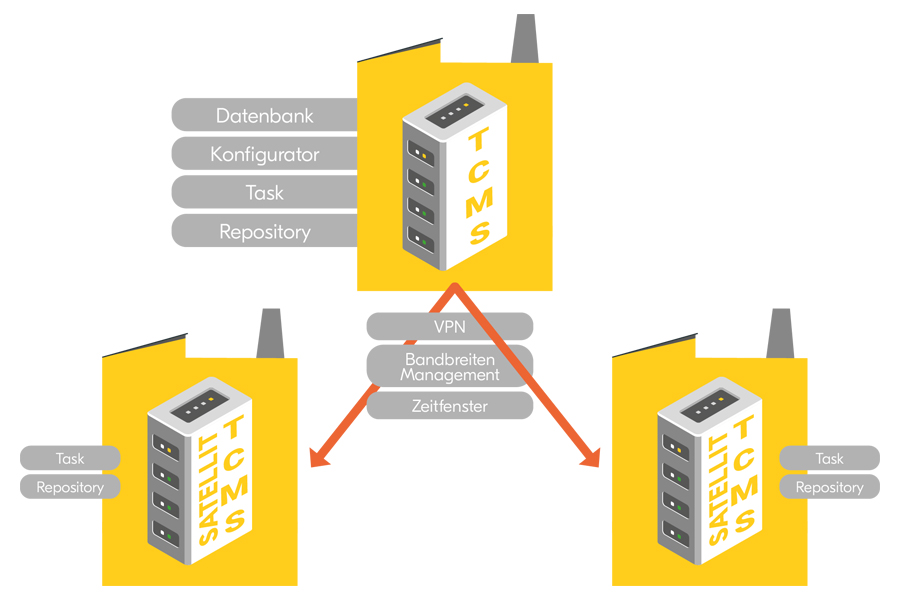
TCMS Satellite - Repository Mirror
HybridDesktop Tools
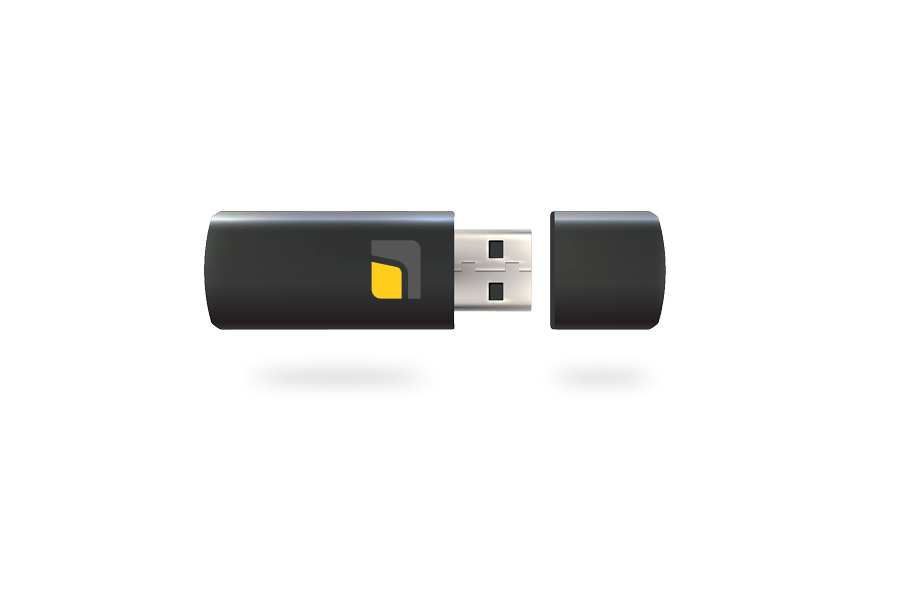
Rangee USB Easylogin
Rangee Windows Kommbox
Thin Client software for businesses – The smart solution for modern IT workstations
Thin Client software as the foundation of an efficient IT infrastructure
Today, companies face the challenge of designing their IT infrastructure to be secure, efficient, and cost-effective. High-performance thin client software serves as the foundation for modern digital workplaces and enables centralized management of end devices, applications, and user access.
Especially in this era of remote work, hybrid work models, and cloud applications, more and more companies are turning to professional thin client business solutions to simplify their IT infrastructure while ensuring the highest security standards.
With modern thin client software, companies can standardize their workstations, reduce administrative overhead, and increase employee productivity.
What is thin client software?
Thin client software is a specially developed operating system or management solution that connects end devices to central servers, virtual desktops, or cloud applications. Unlike traditional PCs, applications and data are not processed locally but are provided centrally in data centers or cloud environments.
As a result, companies benefit from:
- Centralized management of all end devices
- Improved IT security
- Lower hardware costs
- Longer product lifecycles
- Easier updates and maintenance
- Better scalability
The right software plays a crucial role, especially when implementing a modern thin client infrastructure.
Thin Client workstation – flexible, secure, and future-Proof
The modern thinclient workstation offers companies maximum flexibility. Employees can access their applications and data regardless of their location, while the IT department retains full control over the entire environment.
Typical applications include:
Office workstations
Thin clients are ideal for traditional office applications, ERP systems, and CRM solutions. Centralized management significantly reduces support costs.
Working from home and remotely
Employees can securely access company resources without having to store sensitive data locally.
Industry und manufacturing
Rugged thin client solutions enable secure access to production systems and enterprise applications, even in demanding environments.
Healthcare and public administration
Centralized data storage and high security standards make thin clients particularly attractive for industries that handle sensitive information.
Thin client management – Centralized control for the entire IT infrastructure
Professional thin client management is the key to efficiently managing large device fleets. Companies can centrally configure, monitor, and update all thin clients.
The most important key features include:
- Centralized device configuration
- Automated software distribution
- Security updates
- User management
- Remote support
- Monitoring and reporting
An effective management system can reduce downtime and significantly optimize IT processes.
Thin client procurement – What companies should consider
When procuring thin clients, companies should not focus exclusively on the hardware. Equally important are the software used, the management capabilities, and the long-term scalability of the solution.
The following criteria are crucial:
Compatibility
The software should be compatible with leading virtualization platforms and cloud solutions.
Security
Modern security mechanisms protect against cyber attacks and unauthorized access.
Administration
A centralized management platform significantly reduces the administrative burden.
Future security
The solution should be flexible enough to grow with the company and support new technologies.
Thin client providers – Choosing the right partner
Choosing the right thin client provider is a key factor in the success of any project. In addition to technology, service, support, and consulting play a crucial role.
An experienced provider helps companies with:
- Analysis of the existing IT landscape
- Planning the thin client strategy
- Implementation of the solution
- Migration of existing systems
- Employee training
- Long-term support
Working with a specialized provider minimizes project risks and accelerates the adoption of new technologies.
A comparison of Thin Client manufacturers and software solutions
Many companies compare different thin client manufacturers to find the best solution for their needs. However, they should not focus solely on the hardware.
The following factors are particularly important:
- Software performance
- Management options
- Security features
- Integration capability
- Cloud compatibility
- Long-term development
Modern thin client software enables companies to work flexibly and efficiently, regardless of the hardware they use.
Thin Clients for businesses – Efficiency and security in everyday business operations
A professional thin client for businesses offers numerous advantages over traditional desktop computers.
These include:
- Lower operating costs
- Less maintenance
- Greater reliability
- Centralized data storage
- Improved compliance
- Simplified IT management
Small and medium-sized businesses and large organizations, in particular, benefit from a centralized IT strategy that incorporates thin clients.
Enterprise Thin Client solutions for demanding IT environments
An enterprise thin client is designed for companies with complex requirements and a large number of users. Scalability, high availability, and security are the key priorities here.
Enterprise solutions enable:
- Management of thousands of end devices
- Integration with existing IT Systems
- Support for Virtual Desktop Infrastructure (VDI)
- Cloud and hybrid cloud scenarios
- Central security policies
- Automated deployment of new devices
This results in a high-performance, future-proof business platform.
Why thin client software is essential for the future
Digital transformation is fundamentally changing the demands placed on corporate IT. Cloud computing, virtual workstations, and AI-powered applications require flexible, secure, and centrally manageable solutions.
Modern thin-client software lays the foundation for:
- Digital transformation
- Hybrid working models
- Cloud workstations
- Sustainable IT concepts
- Enhanced cybersecurity
- Efficient business processes
Companies that adopt a professional thin client strategy early on will benefit in the long term from lower costs, greater security, and significantly simpler management of their entire IT infrastructure.
Frequently asked questions about thin client software
What is the advantage of thin client software?
Thin client software enables centralized management of end devices and applications. Companies benefit from enhanced security, lower costs, and more efficient IT management.
What types of companies are thin clients suitable for?
Thin clients are suitable for small, medium, and large businesses, as well as for government agencies, educational institutions, the healthcare sector, and industrial companies.
What does a thin client infrastructure consist of?
A thin client infrastructure consists of end devices, management software, server or cloud resources, and centralized security and management functions.
Why is thin client management important?
Professional thin client management enables centralized control, maintenance, and updating of all devices and significantly reduces the administrative burden.
What sets an enterprise thin client solution apart?
Enterprise thin client solutions offer high scalability, centralized security policies, cloud integration, and the ability to manage large device fleets for companies with complex IT requirements.
Thin client hardware solutions
Office - Desktop - Terminal
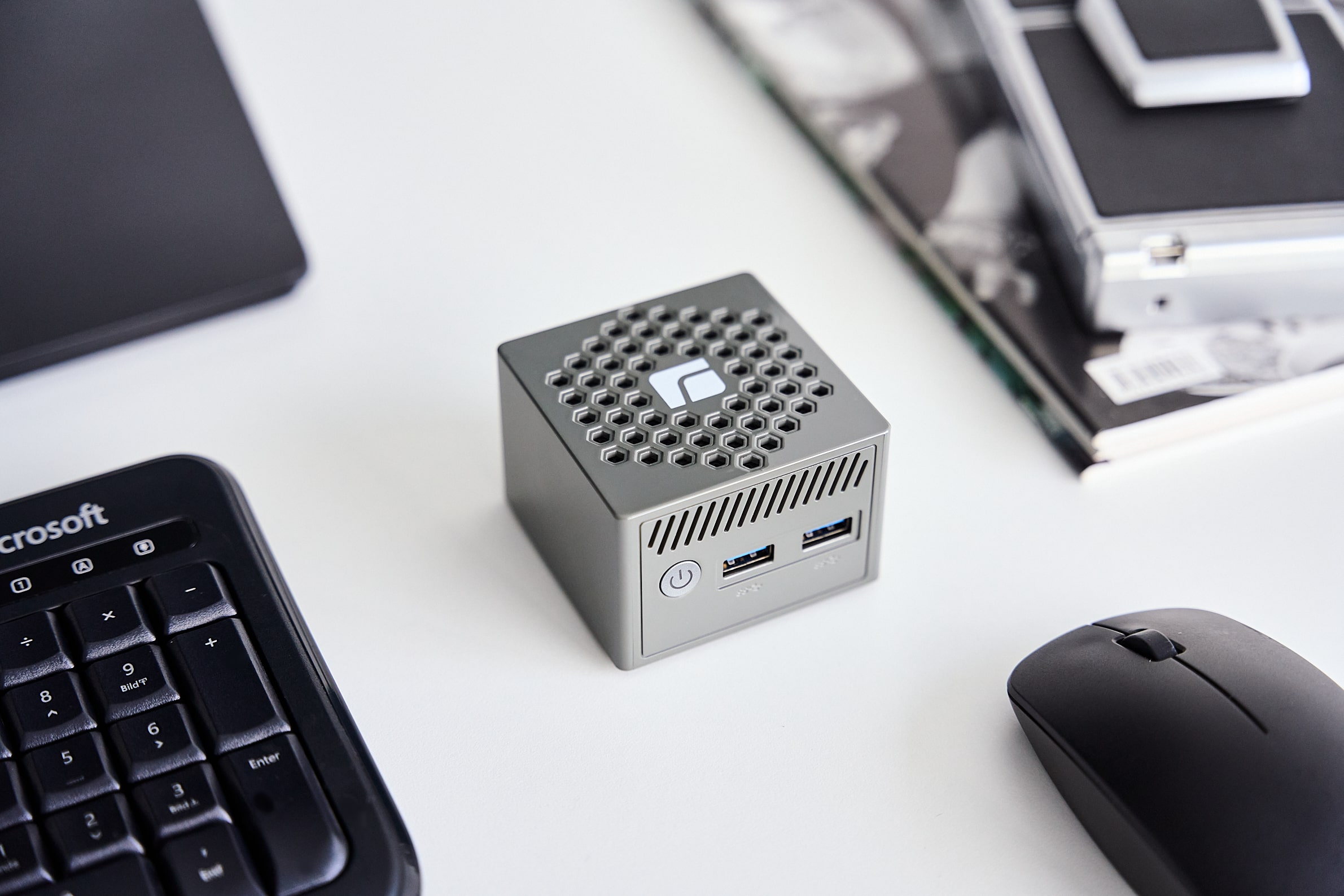
RT-403
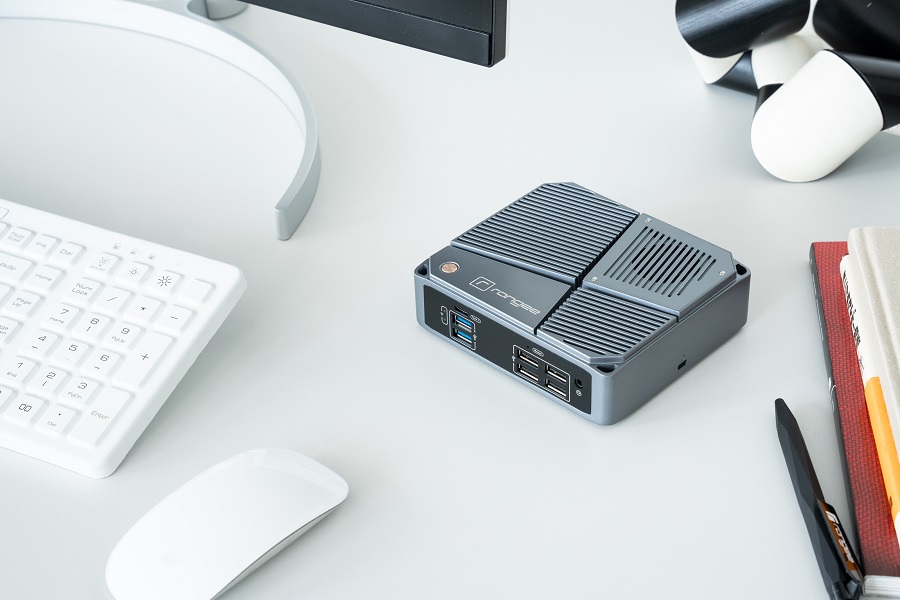
RT-503
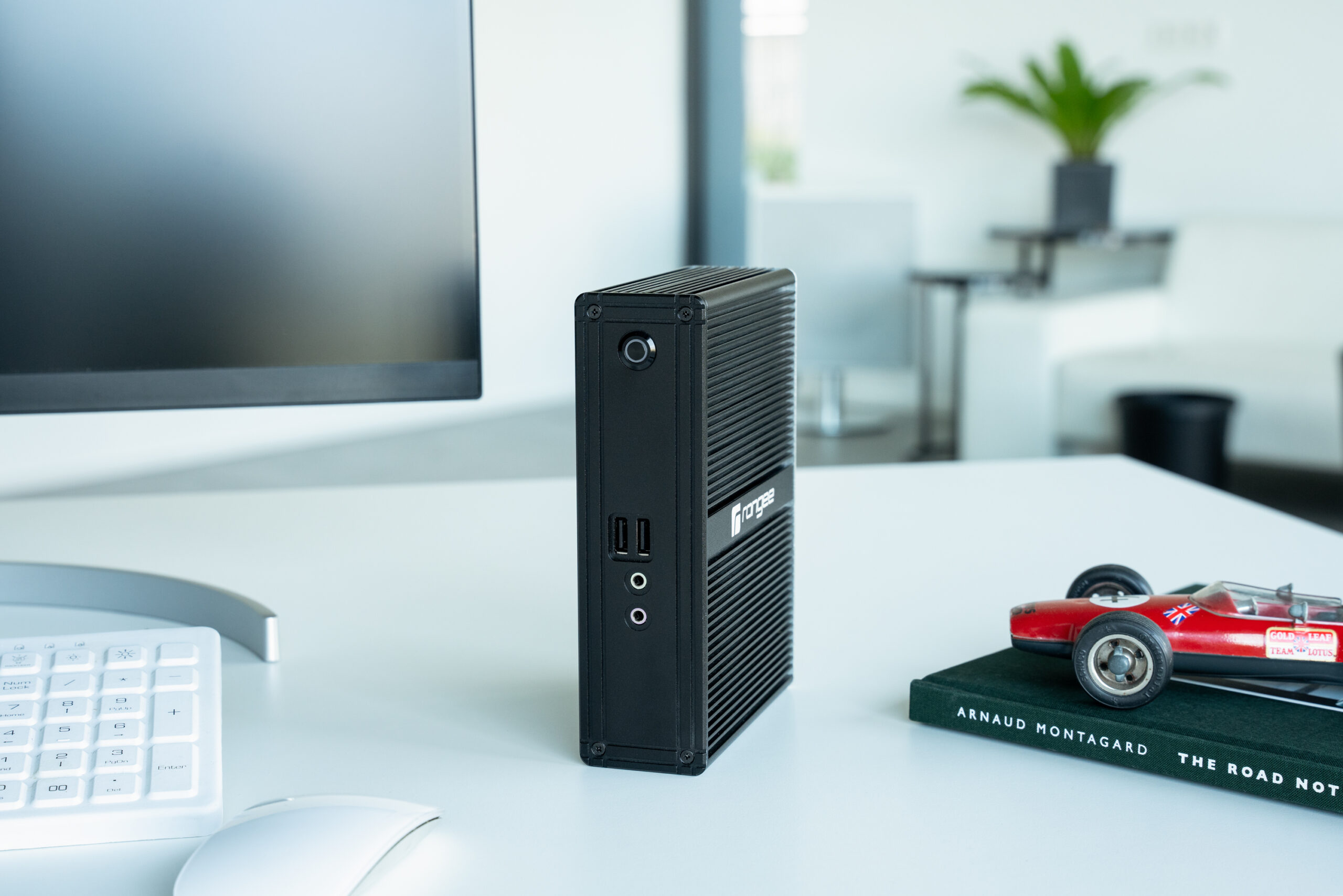
RT-603
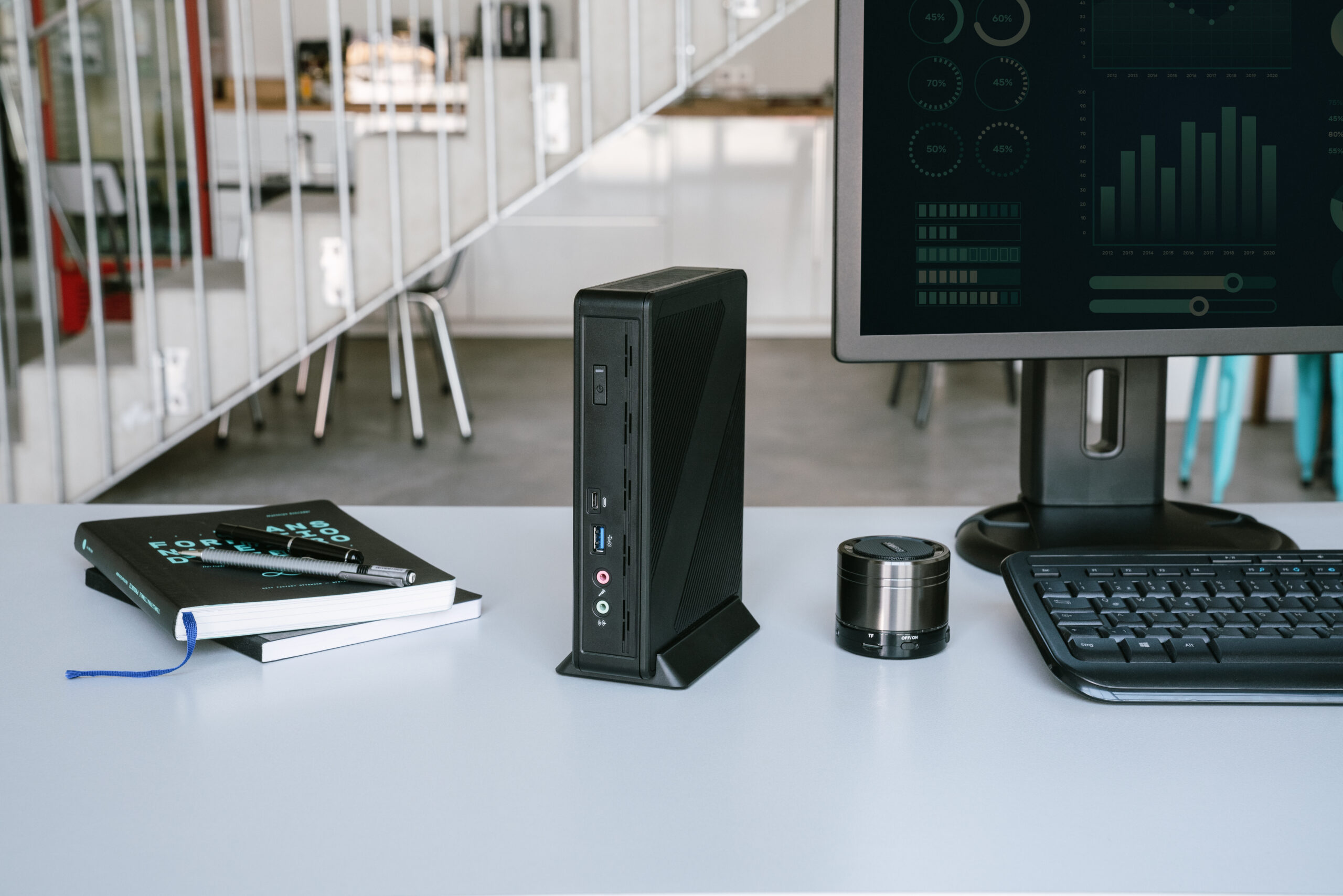
S810
Mobile - Laptop - Notebook
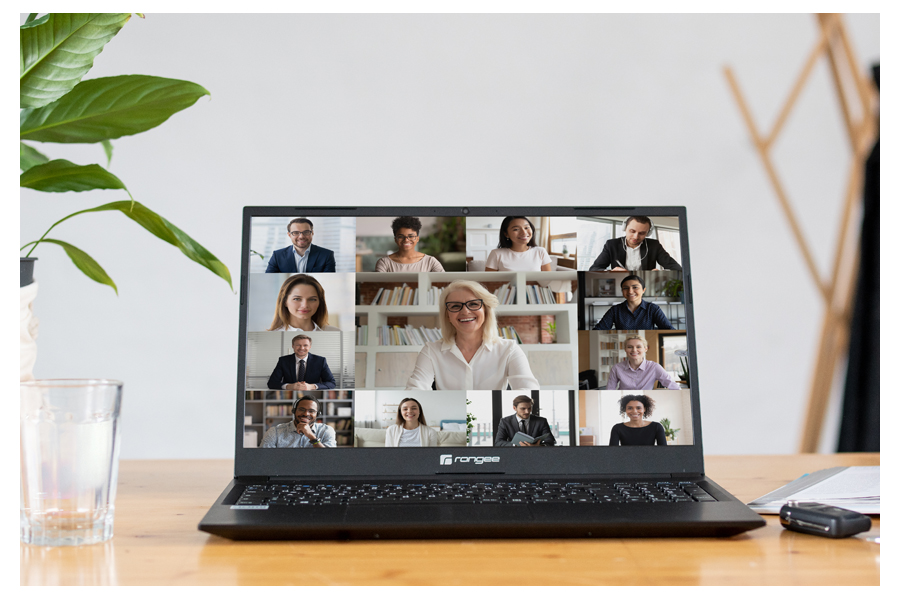
RN15-701
All in One
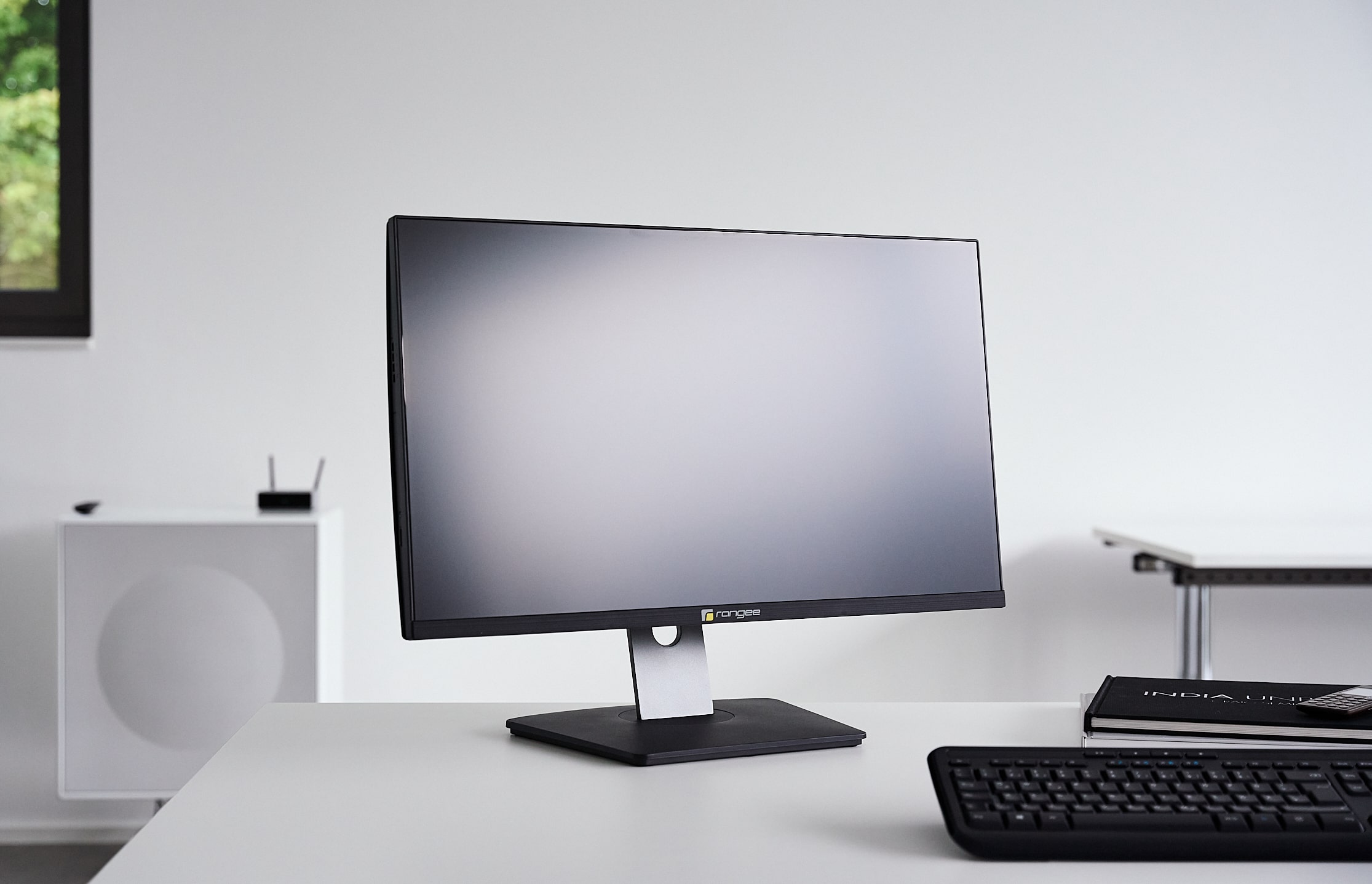
RD27-602
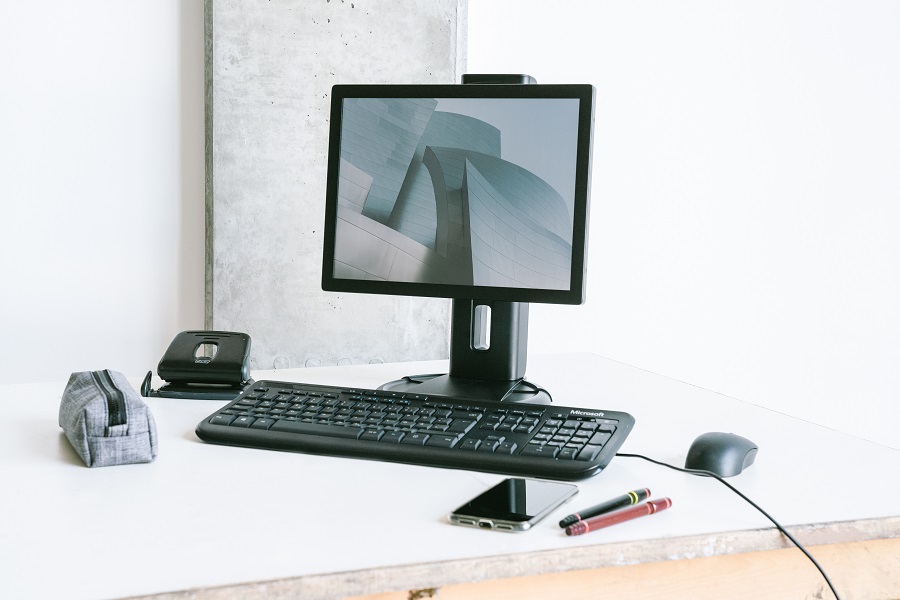
RD15T-601
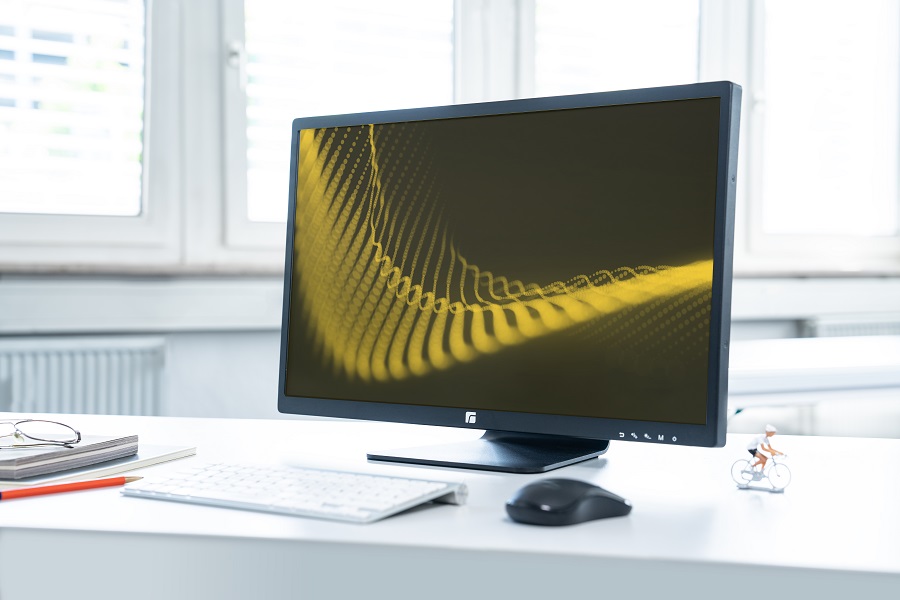
RD24-601
Industry - Production - Logistics
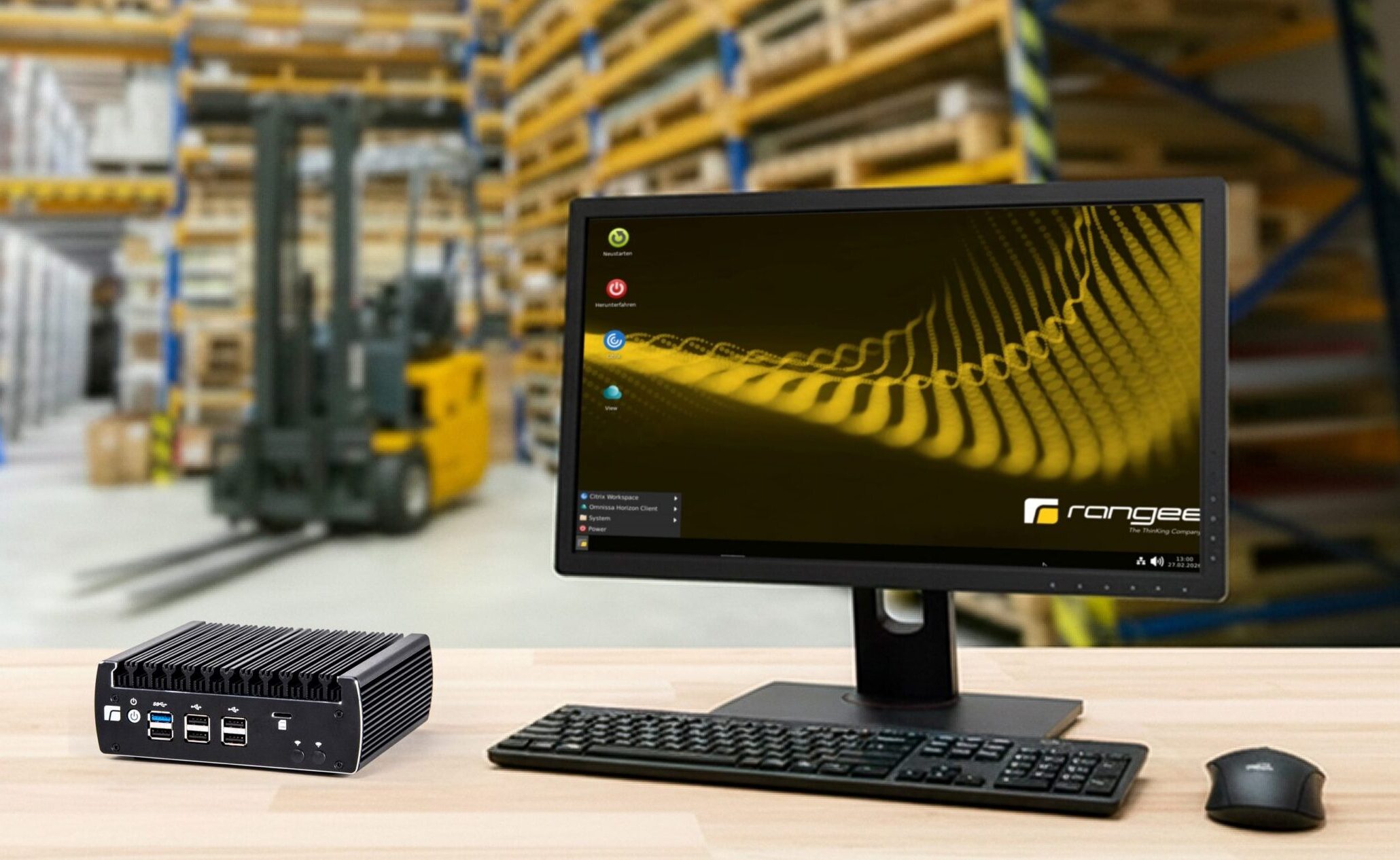
N1342
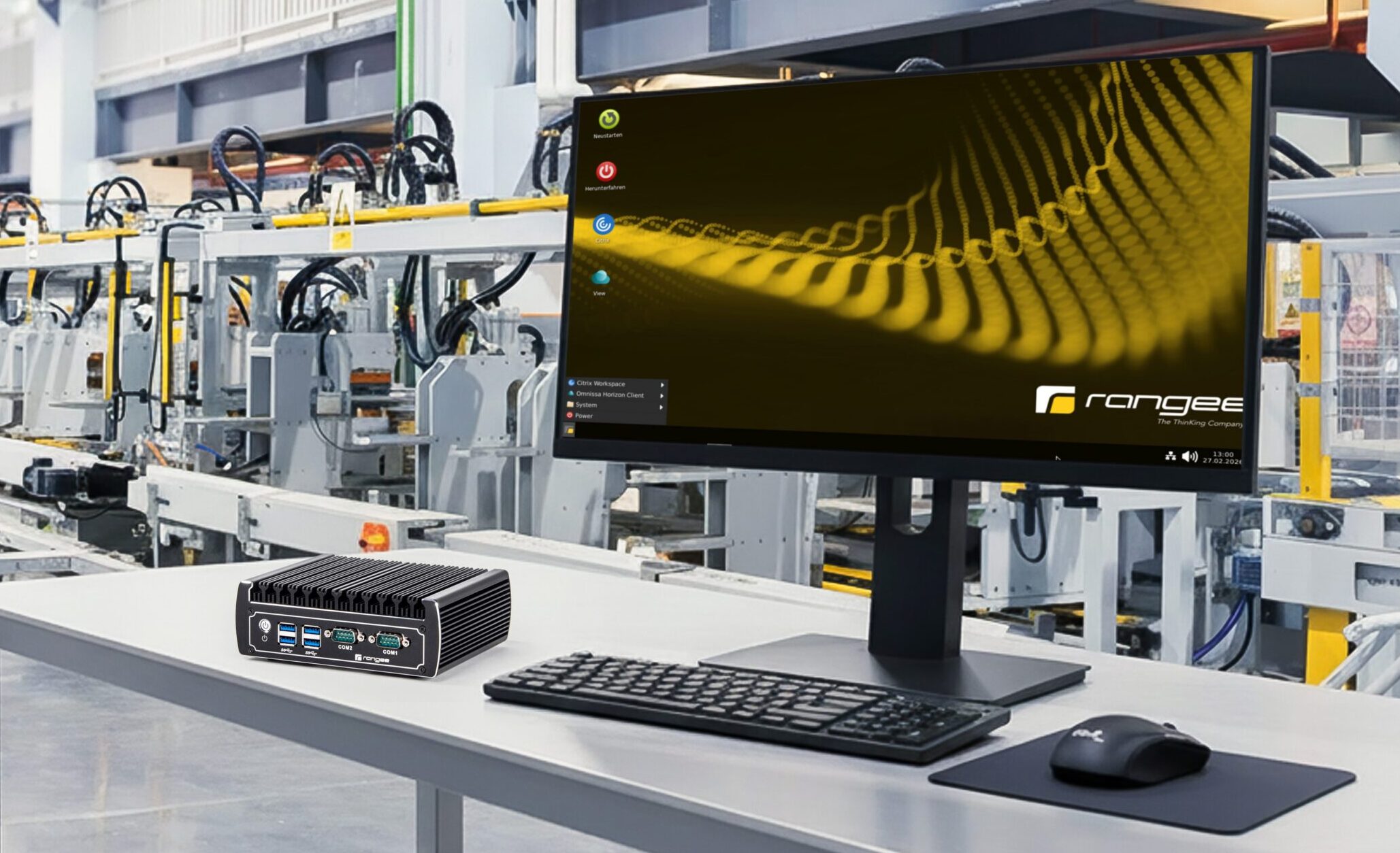
N13-L2
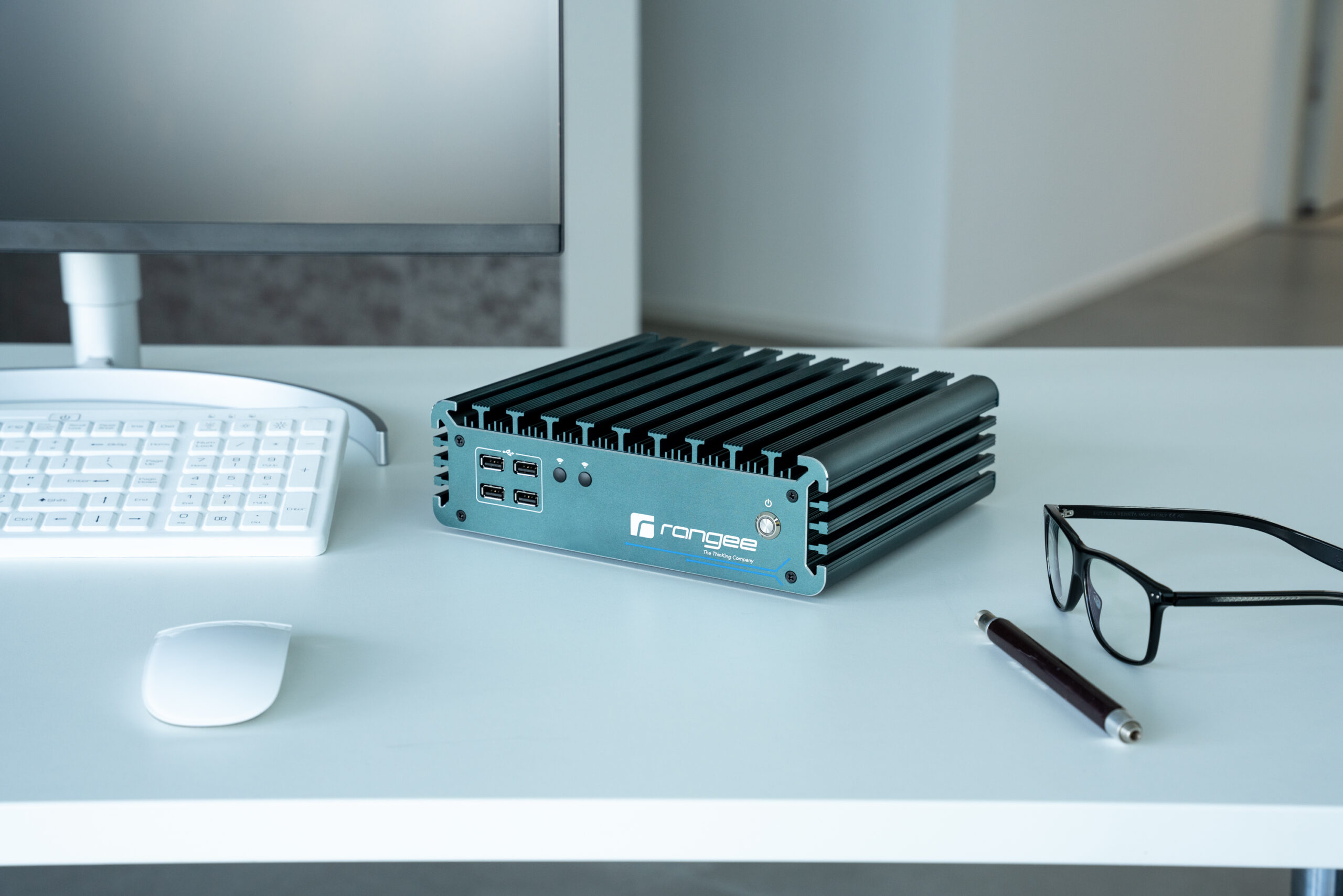
IBOX-3226
RD24-601
RD15T-601
Do you have any questions about our hardware offerings?
We also develop customized solutions for your specific application.
Let us advise you.
Thin client hardware for businesses – High-performance devices for modern IT workstations
Thin client hardware as the foundation of modern enterprise IT
Today, companies face the challenge of providing secure, efficient, and future-proof IT workstations. Modern thin client hardware offers the ideal foundation for this. When combined with centralized management and virtualization solutions, it creates high-performance work environments that are easy to manage, secure, and cost-effective.
Whether in an office setting, a home office, manufacturing, healthcare, or public administration—more and more companies are turning to thin clients to simplify their IT infrastructure while reducing costs.
What is thin client hardware?
Thin client hardware consists of specially designed devices optimized for accessing virtual desktops, remote applications, and cloud-based workstations. Unlike traditional PCs, data processing takes place primarily on central servers or in the cloud.
As a result, companies benefit from:
- Lower acquisition costs
- Lower energy consumption
- Improved IT security
- Less maintenance
- Central administration
- Longer hardware lifecycles
A modern thin client business solution combines high-performance hardware with intelligent software and centralized management.
The right thin client hardware for every workstation
Not every workplace has the same requirements. That's why there are different categories of hardware available.
Thin client terminal
Thin client terminals are compact devices designed for stationary use in a business setting. They offer high performance with minimal energy consumption and are ideal for:
- Office workstations
- Government agencies
- Schools und universities
- Hospitals
- Call center
- Industrial workplaces
Thanks to their compact design, the terminals can be easily integrated into existing work environments.
All-in-one thin clients
All-in-one devices combine a monitor and a thin client into a single solution. This results in a particularly uncluttered workspace.
Benefits:
- Fewer cables
- Space-saving design
- Easy installation
- Professional appearance
- Ideal for reception areas and modern office environments
Thin client notebooks
Mobile workstations are becoming increasingly important. Thin-client laptops enable secure access to corporate applications — regardless of location.
Particularly suitable for:
- Field service
- Working from home
- Mobile employees
- Hybrid working concepts
- Flexible workplaces
Thin client hardware and virtualization
The advantages of modern thin client hardware are particularly evident in virtualized environments.
Typical use cases:
Virtual Desktop Infrastructure (VDI)
Employees access centralized virtual desktops, while applications and data remain securely in the data center.
Cloud workspaces
Cloud-based workstations provide secure access to corporate applications from anywhere.
Remote desktop environments
Thin clients are ideal for Microsoft Remote Desktop Services (RDS), Citrix, or other virtual desktop environments.
Hybrid cloud concepts
Many companies combine on-premises data centers with cloud services. Thin clients are ideally suited to support these hybrid infrastructures.
Easily managing thin client infrastructure
A modern thin client infrastructure consists not only of hardware, but of an entire ecosystem of end devices, operating systems, management solutions, and security features.
Centralized management makes it possible to:
- Provision new devices automatically
- Roll out updates centrally
- Enforce security policies
- Manage user profiles
- Reduce support efforts
This makes the entire IT landscape significantly more efficient.
Thin client management for maximum efficiency
Professional thin client management enables centralized control of all devices within the company.
IT departments benefit from:
- Centralized device management
- Remote configuration
- Software distribution
- Monitoring and reporting
- Inventory
- Automatic updates
Especially for larger installations with multiple locations, a powerful management system delivers significant time and cost savings.
Thin client hardware for businesses of all sizes
Modern thin clients for businesses are suitable for both small companies and international corporations.
Typical applications:
Small and medium-sized enterprises
Reduction of IT costs and administrative overhead.
Large companies
Centralized management of thousands of workstations worldwide.
Public institutions
High safety standards and standardized workstations.
Healthcare
Secure access to sensitive patient data.
Industry and logistics
Rugged and durable devices for demanding environments.
Enterprise thin client solutions for the most demanding requirements
An enterprise thin client meets the needs of large organizations and complex IT environments.
Key Features:
- High scalability
- Maximum security
- Central administration
- Support for VDI environments
- Cloud integration
- High availability
- Future-proof architecture
This enables companies to efficiently manage thousands of workstations while simultaneously raising their security standards.
Thin client procurement – What companies should consider
When procuring thin clients, companies should not focus solely on the purchase price.
The following are crucial:
Performance
The hardware must be compatible with the applications being used.
Compatibility
Support for Citrix, VMware Horizon, Microsoft Azure Virtual Desktop, and other platforms.
Security
Built-in security features protect against cyberattacks and unauthorized access.
Future security
The solution should be able to scale with the company's needs.
Management
Centralized management significantly reduces operating costs in the long term.
A comparison of thin client providers and thin client manufacturers
Choosing the right thin client provider and thin client manufacturer has a major impact on the long-term success of a project.
Important criteria include:
- Hardware quality
- Long-term product availability
- Technical support
- Management solutions
- Virtualization expertise
- Security concepts
- Future security
An experienced partner not only helps companies select hardware, but also assists with planning, implementation, and operation.
Thin client hardware as the foundation for the digital workplace
The digital workplace is constantly evolving. Cloud computing, AI applications, hybrid work models, and increasing security requirements all call for modern devices.
Thin client hardware offers businesses:
- Higher flexibility
- Lower operating costs
- Greater security
- Easier administration
- More sustainable IT concepts
- Future-proof jobs
When combined with modern software and centralized management, this creates a powerful platform for the digital transformation of businesses.
Frequently asked questions about thin client hardware
What is the difference between a thin client and a PC?
A thin client primarily processes data centrally on servers or in the cloud, while a PC runs applications locally.
For which companies is thin client hardware suitable?
Thin clients are suitable for businesses of all sizes, government agencies, educational institutions, industrial companies, and the healthcare sector.
Can thin clients be used in a home office?
Yes. Modern thin client solutions enable secure access to corporate resources from any location.
Are thin clients more secure than traditional PCs?
Because data is stored centrally and there are fewer local vulnerabilities, thin clients often offer a higher level of security.
Which virtualization solutions are supported?
Modern thin client hardware supports, among other things, Microsoft Azure Virtual Desktop, Citrix Workspace, VMware Horizon, and other VDI and cloud platforms.
Made in Germany
Improve your workflow
Innovation - for your success
The Rangee Thin Client Management Server, TCMS for short, handles all remote management functions.

Administration
Automatic integration of all RangeeOS thin clients into the central administration of the TCMS.
Virtuality
Set up the TCMS as a virtual machine in your network.
Access it via web browser.
Customization
Individual group policies allow new or changing endpoints to be set up quickly.
Usability
Simplified configuration and centralized roll-out of updates. Multi-dimensional group inheritance functions and time-controlled actions simplify administration.
Protection through Zero Trust technology
Integration of the Rangee TCMS into a secure network with reliable access for authorized administrators.
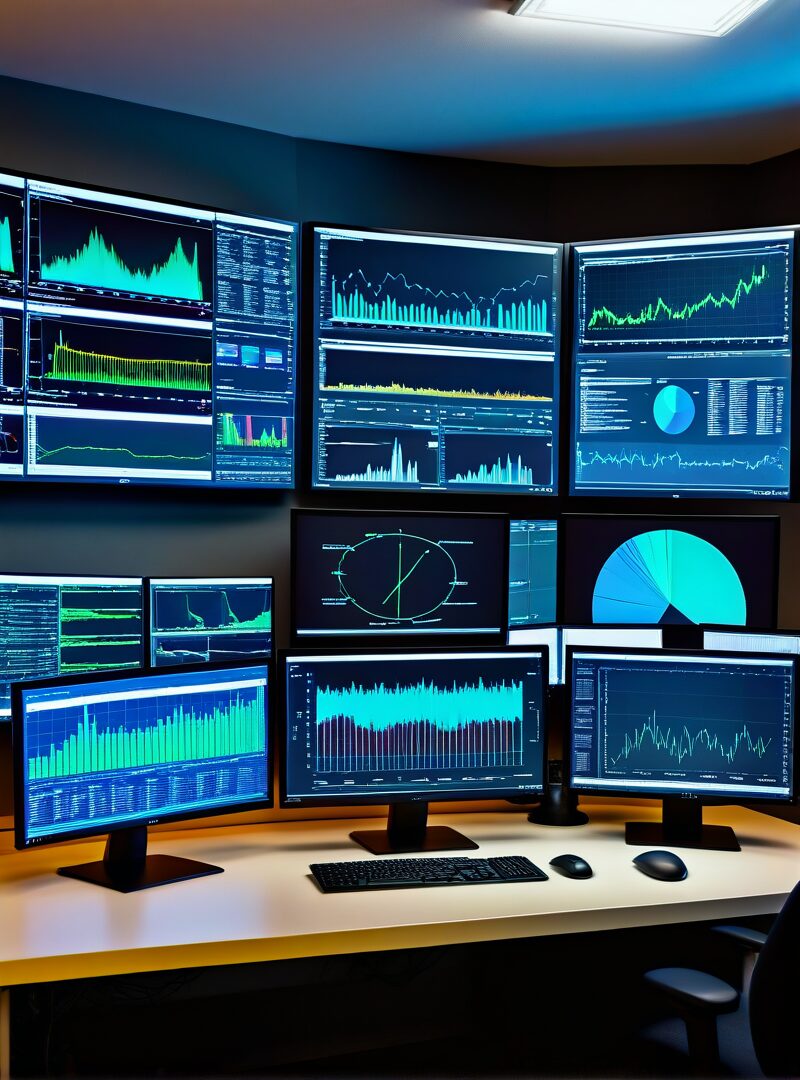
Save resources with intuitive centralized management
By integrating all RangeeOS workstations into the Rangee Thin Client Management Server, time-consuming client management is a thing of the past.
Appliance consisting of operating system, database and application engine
The integrated database and backup function secure the self-contained system and enable updates in the shortest possible time.
Simplified administration. Intuitive operation.
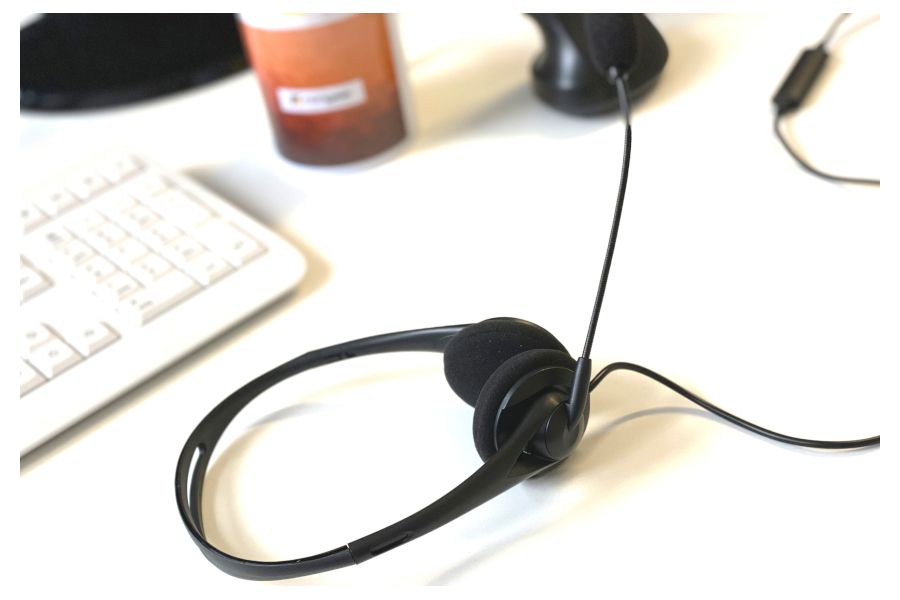
Rangee Headset USB01 - Hands-free telephony
At 58 g, the headset is extremely light and practically imperceptible when worn on the head. Thanks to its comfortable fit and both bi-aural and monaural usability, you will rediscover telephony. The Rangee headset has a USB port and is therefore compatible with any device. It also fits into any laptop bag thanks to its compact design. Thanks to the flexible cardioid microphone, you can enjoy crystal-clear communication as sounds are only picked up in an extremely small area directly in front of your mouth and background noise is suppressed. The microphone mute button and volume slider are always within easy reach on the cable so you can fine-tune the sound.
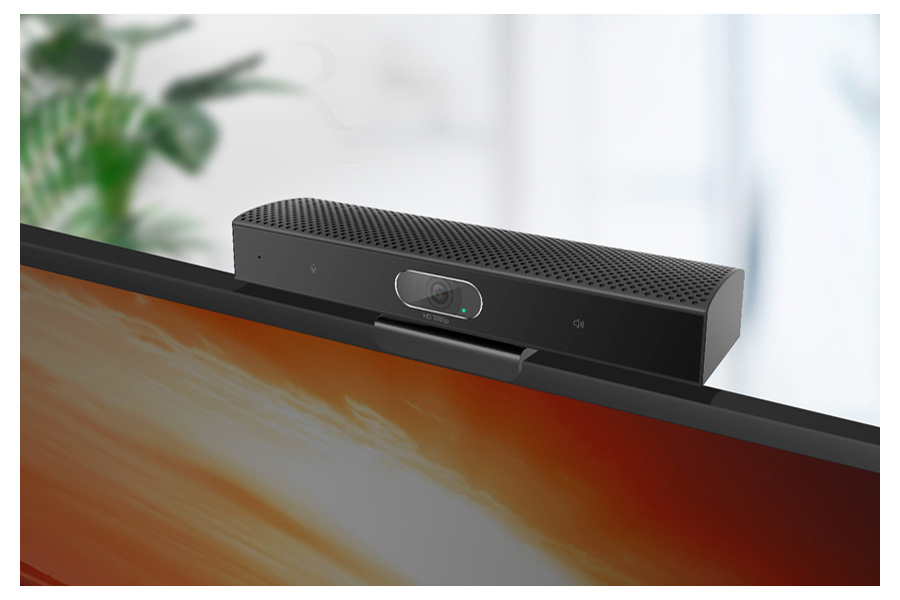
Rangee webcam soundbar SeeUP3L - The eyecatcher
The Rangee Webcam Soundbar SeeUP3L takes your video conferencing to a whole new level with its 2 megapixel lens and uniquely sharp images. The first-class acoustic echo cancellation and noise suppression ensures clear and natural sound. - The revolution in online meetings.
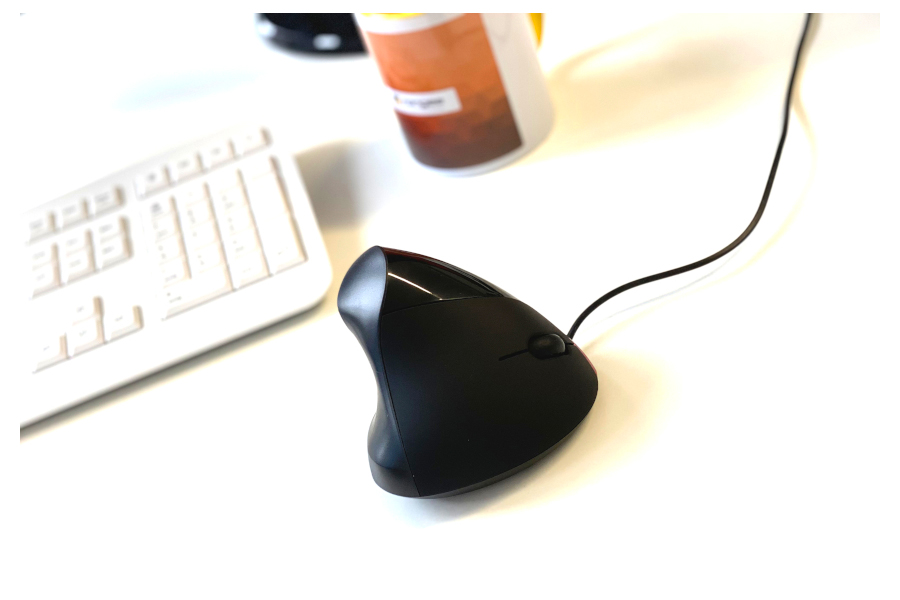
Rangee vertical mouse - Experience ergonomics in a new way
Our vertical mouse offers you an ergonomic hand position when using the mouse and at the same time protects your wrist, elbow and shoulder. The Rangee Vertical Mouse takes your ergonomic work to a whole new level. The light weight of the mouse and the 5 buttons provide a very comfortable working experience with maximum functionality. - Vertical into the future.
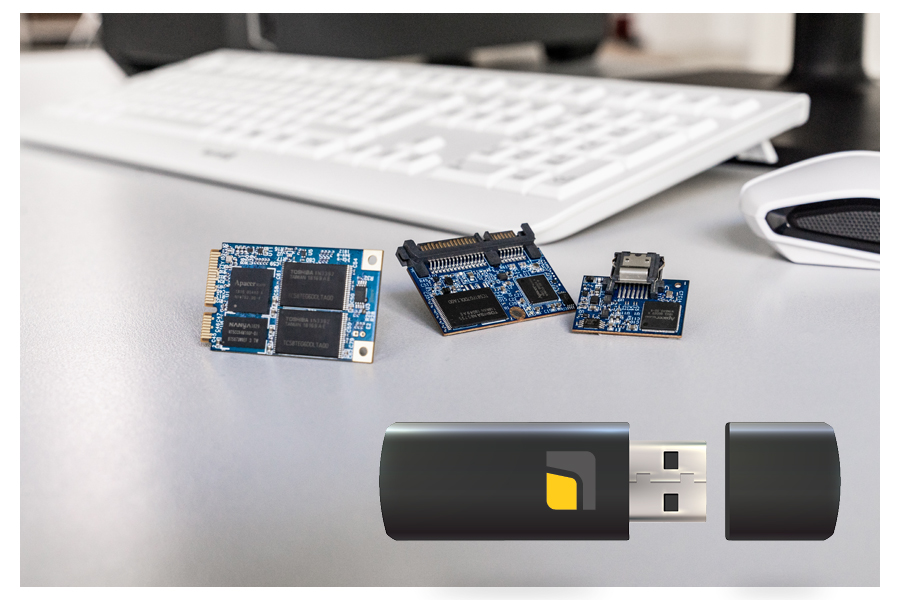
RangeeOS PC stick
Don't want to install software? Don't want to lose data? Then simply swap the hard disk for a PC stick. Quickly, easily and reliably turn any old Windows PC into a genuine Rangee thin client. Also works with new hardware. Assemble your Thin Client according to your requirements.
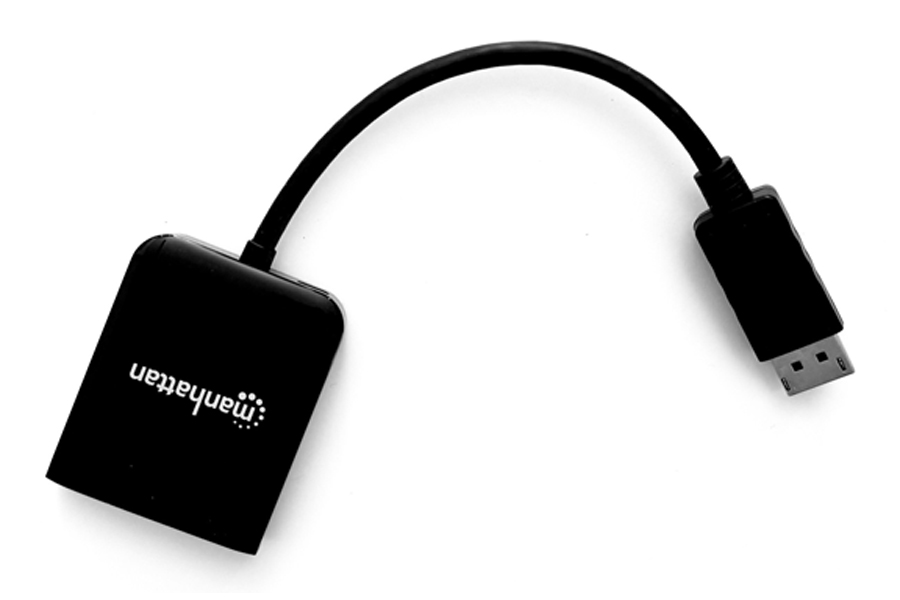
Manhattan DisplayPort splitter 2-way
The Manhattan DisplayPort 1.2a splitter offers an MST hub extension/mirroring from 1x DP to 2x DP (2K output). It is a flexible solution for many AV applications and acts as an ideal accessory for trade shows, classrooms, video conferencing, presentations and retail applications. You will need a DP1.2 cable to use it. The splitter is compatible with our RT-601, simply connect directly and enjoy the 4K/UHD experience immediately.
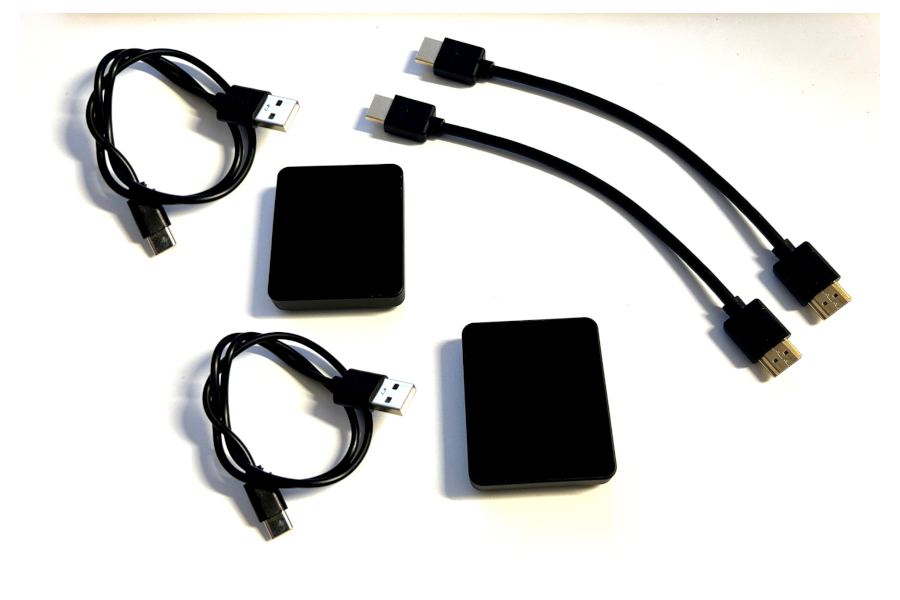
Rangee wireless HDMI - Wireless remote transmission
Rangee Wireless HDMI consists of a transmitter and a receiver and enables the wireless transmission of video and audio. The transmitter is connected to the thin client via HDMI and the receiver to the display via HDMI. Power is supplied directly to the device via a USB cable. No configuration is required, transmission takes place immediately in Full HD with a delay of just 0.1 seconds. The range is up to 30 meters, which enables flexible use in meeting rooms, for projectors and televisions, for example. A practical solution without annoying cable connections.
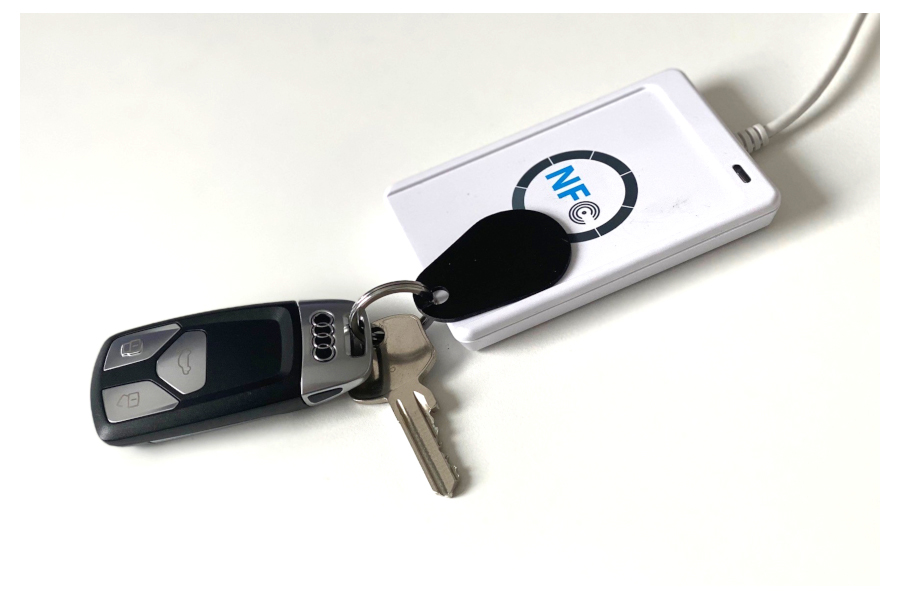
RFID login on Rangee thin clients
With Rangee RFID Login, it's the first login to the thin client and increases the security for the login to the Windows operating system.
Two-factor authentication with RFID tokens brings a new level of security: only those who have both the token and know the PIN can log in.
By removing the RFID token, the active remote desktop session can be terminated (disconnected) and immediately resumed (reconnected) after placing it on the reader. Leaving an open session unattended must be prevented. In addition, accelerated login processes facilitate work processes, as waiting times and logout processes are eliminated. With Rangee RFID Easylogin, complex passwords can be used that are securely stored on the RFID token.
The Rangee RFID Easylogin package contains 1 RFID token. Only one pre-configured RFID token can be used for the Rangee RFID Easylogin function. The readers must be purchased separately. All commercially available NFC / RFID readers can be used.
The RFID token also has Mifare compatibility, which can be used for other applications such as door locking systems and time recording.
Smartcard login on Rangee thin clients
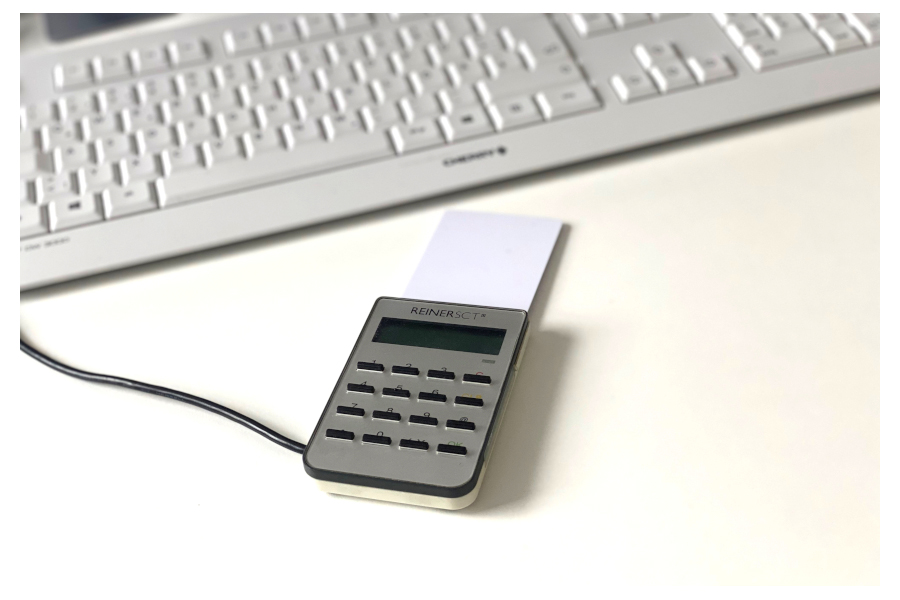
With Rangee Smartcard login, it's the first login to the thin client and increases the security for the login to the Windows operating system.
Two-factor authentication with a signature card brings a new level of security: only those who have both the card and know the PIN can log in. When using a card reader with a built-in keypad, no attacker has the chance to log in with my PIN.
The login credentials for the remote desktop session are stored in encrypted form on the Rangee Smartcard.
The password cannot be forgotten or stolen.
By removing the Smartcard, the current remote desktop session can be terminated (disconnected) and immediately resumed (reconnected) after inserting the card. With Rangee Smartcard Easylogin, complex passwords can be used which are securely stored on the smartcard.
The Rangee Smartcard login package contains 1/10 smartcards. Only a pre-configured signature card can be used for the Rangee Smartcard Login function. The smartcard readers must be purchased separately. All commercially available devices are supported.
HybridDesktop - Performance tuning for the remote desktop
- connects the remote desktop to the local desktop
- allows users to enjoy local performance without any disruption
- In other words, no need to switch back and forth between the work interface on the server or in the cloud and the local work interface
 Hybrid
Desktop

HD Fon
- Softphone for remote desktops
- Compatible with all standard SIP phone systems

HD browser redirection
Browser offloading for Edge and Chrome in remote desktop
HD AppControl
Launching local thin-client applications such as browsers, meeting apps, and others

HD SoundControl
- Selecting the desired input and output devices based on the application
- Volume Control

HD client
control
The app allows users to do the following from the remote desktop:
- Eject USB devices
- Checking laptop battery levels
- Opening Kommbox
- Adjusting screen brightness based on the display being used
Hybrid desktop